The best bulk ad launch tools for Meta ads are specialized platforms that upload and publish dozens or hundreds of ads at once via Meta's Marketing API, instead of building them one at a time in Ads Manager. The most cost-effective focused launcher is Ads Uploader ($59/month flat, badged Meta Business Partner), a web app that launches ads straight through Meta's API rather than a spreadsheet, with partnership ads and a CLI and MCP for AI agents included. Premium alternatives like AdManage.ai add multi-platform support at a higher price point. Choose a launcher when your bottleneck is launch speed, not optimization.
Creating one ad in Meta Ads Manager requires 17+ clicks. Creating 100 ads the manual way takes 3-4 hours of repetitive work that no media buyer enjoys.
That's the upload tax, and it's killing your testing velocity.
Volume matters more than ever in 2026. Meta's algorithm rewards creative diversity, and you can't test enough variations manually to stay competitive. This guide compares 12 bulk ad launch tools available in 2026 with full pricing transparency, named features per tool, and the quantified proof points each platform publicly stands behind.
What Do You Actually Need from a Bulk Ad Tool?
Before comparing tools, it's worth stepping back to ask: what are you actually looking for?
This guide is for advertisers who:
- Already have a creative pipeline producing assets
- Want complete control over their ad accounts
- Simply want to launch more ads, faster
- Are looking to save time on the upload process
If that's you, you're looking for a pure bulk ad launcher, not an AI system that tries to run your entire account.
Bulk Ad Launchers vs Meta Ad Management Tools
A note on terminology before the comparison: "bulk ad launcher" and "Meta ad management tool" are often used interchangeably, but they describe different categories. A launcher solves the upload bottleneck (getting ads from creative pipeline to live campaigns fast). An ad management tool typically adds automation rules, AI optimization, and post-launch reporting on top of running campaigns. Some platforms do both; most do one well and the other as a secondary feature.
Tools in this space generally fall into three categories.
1. Pure Ad Launching Tools These focus specifically on the upload bottleneck. You bring your creatives, your strategy, and your campaign structure. They just make the upload process faster. Examples: Ads Uploader, AdManage.
2. Platforms with Ad Launching Bolted On These started as something else (creative analytics, automation rules, competitor research) and added bulk launching as an extra feature. The launcher works, but it's not the core focus. Examples: Adnova (analytics-first), Birch (automation-first), Madgicx (AI optimization-first).
3. AI Account Management Platforms These are full Meta ad management tools that use AI to automate the entire media buying process: campaign creation, optimization, budget allocation. Bulk launching is just one feature in a much larger system. Examples: AdAmigo, AdStellar.
There's nothing wrong with category 2 or 3 tools if that's what you need. But if you just want to upload ads faster while keeping full control of your account, a pure launcher is usually the better fit. If you're searching for a "Meta ad management tool" because you want post-launch automation rather than launch speed, jump straight to categories 2 and 3 below.
A Note on Pricing and Value
Since Ads Uploader launched in 2025, the market has shifted. Legacy tools were often priced at $200-500+/month because that's what the market would bear. As SaaS continues to evolve, more affordable tools have come to market.
Price does not necessarily reflect quality. A tool priced at $500/month isn't automatically better than one priced at $59/month. It just means some buyers are willing to pay that price. The right approach is to actually try the products. Most offer free trials. Use them with your real workflow and see which one fits.
Key Features to Look for in a Bulk Ad Launcher
Must-Have Features
- Direct Marketing API publishing - Bypass XLSX exports, publish ads instantly to Meta
- Aspect ratio grouping - Auto-match 1:1, 4:5, 9:16 variations for different placements
- Custom thumbnail selection - Control video first frames for better CTR
- Creative enhancement controls - Disable Meta's automatic AI image and text rewrites that can degrade your tested creative
- Dynamic naming conventions - Organize campaigns systematically at scale
Nice-to-Have Features
- Post ID duplication - Preserve social proof (likes, comments, shares) when scaling winners. This is a critical differentiator. Read our full guide on Facebook Post IDs to understand why this matters.
- Bulk edit and cloning - Duplicate top performers and adjust budget or audience in batch without rebuilding each ad
- Campaign presets and templates - Save and reuse configurations
- Cloud storage integration - Google Drive, Dropbox sync for seamless asset management
- Multi-platform support - Meta plus TikTok in one tool
- Team features - Multiple users, team billing, collaborative payments across accounts
- Partnership ads in bulk - Launch creator partnership ads at volume, ideally including a creator's existing posts by ad code or post URL, so whitelisted content doesn't have to be re-uploaded
- CLI or MCP access - Launch from scripts, a terminal, or an AI assistant like Claude or ChatGPT. Several launchers now ship an MCP server, so check whether it can actually create ads or only read your data
Pricing Model Matters
The pricing model becomes increasingly important as you scale:
- Flat pricing (Ads Uploader, Rapid Ads, AdManage.ai): Pay the same regardless of ad spend. Rewards success.
- Spend-based pricing (Birch, Madgicx): Costs increase with your ad spend. Penalizes success.
- Per-account pricing (Adnova, AdAmigo): Costs scale with number of ad accounts. Unpredictable for agencies.
- Usage-capped pricing (Kitchn.io): Upload limits with overage fees. Can surprise you at scale.
Here's the math: at $50,000/month spend, a flat $59 tool vs. a 1% spend-based tool costs roughly $500/month, so the break-even sits around $5,900 monthly spend. Almost every serious advertiser is past that.
Quick Comparison Table
| Tool | Category | Pricing | Post ID | CLI / MCP | Free Trial | Best For |
|---|---|---|---|---|---|---|
| Ads Uploader | Pure launcher | $59/mo flat | Yes | CLI + MCP | 7 days | Media buyers and agencies running Meta ads |
| AdManage.ai | Pure launcher | £199.99-999.99/mo (~$265-1,325) | Yes | MCP + API | Money-back (7-30 days) | Agencies with large budgets who need multi-platform support |
| Adnova | Analytics + launcher | $99/mo ($79 annual) + $20/account | Yes | MCP + API (analytics) | 7 days, no card | Buyers who want ad research and launching in one tool |
| Blip | Launcher + analytics | $49-370/mo tiered | Yes | No | 7 days | Solo buyers who need more analytics support |
| Kitchn.io | Workflow + launcher | €499-1,999/mo ($529-2,349) | Existing Post + Creative IDs | API (Enterprise) | 14 days | Creative teams working from cloud storage |
| Birch (Revealbot) | Automation + launcher | $49-99/mo + spend | Via Post Boosting | MCP (rules, no ad creation yet) | 14 days | Teams who need post-launch automation rules |
| Rapid Ads | Pure launcher | $39/mo | Yes | No | ~10-upload trial | Dropshippers on a tight budget |
| Koast | Automation + launcher | $499/mo + setup fee | Yes | MCP | 30-day guarantee | Teams who want stop-loss automation |
| AdEspresso | Legacy platform | $49-259/mo | Via existing posts | No | 14 days | Agencies who need client approval workflows |
| Madgicx | AI platform + launcher | Spend-based (in-app) | Limited | MCP (early access) | 7 days | Teams who want AI budget optimization |
| AdAmigo | AI account manager | $99-349/mo per account | Yes | No (in-app chat agent) | 7 days | Advertisers who want a built-in AI assistant |
| AdStellar | AI recommendations | From $100/mo (credits) | Not listed | MCP + API | $100 in free credits | Teams who want AI-suggested campaigns |
12 Bulk Ad Launch Tools Compared
1. Ads Uploader - Best for media buyers and agencies running Meta ads
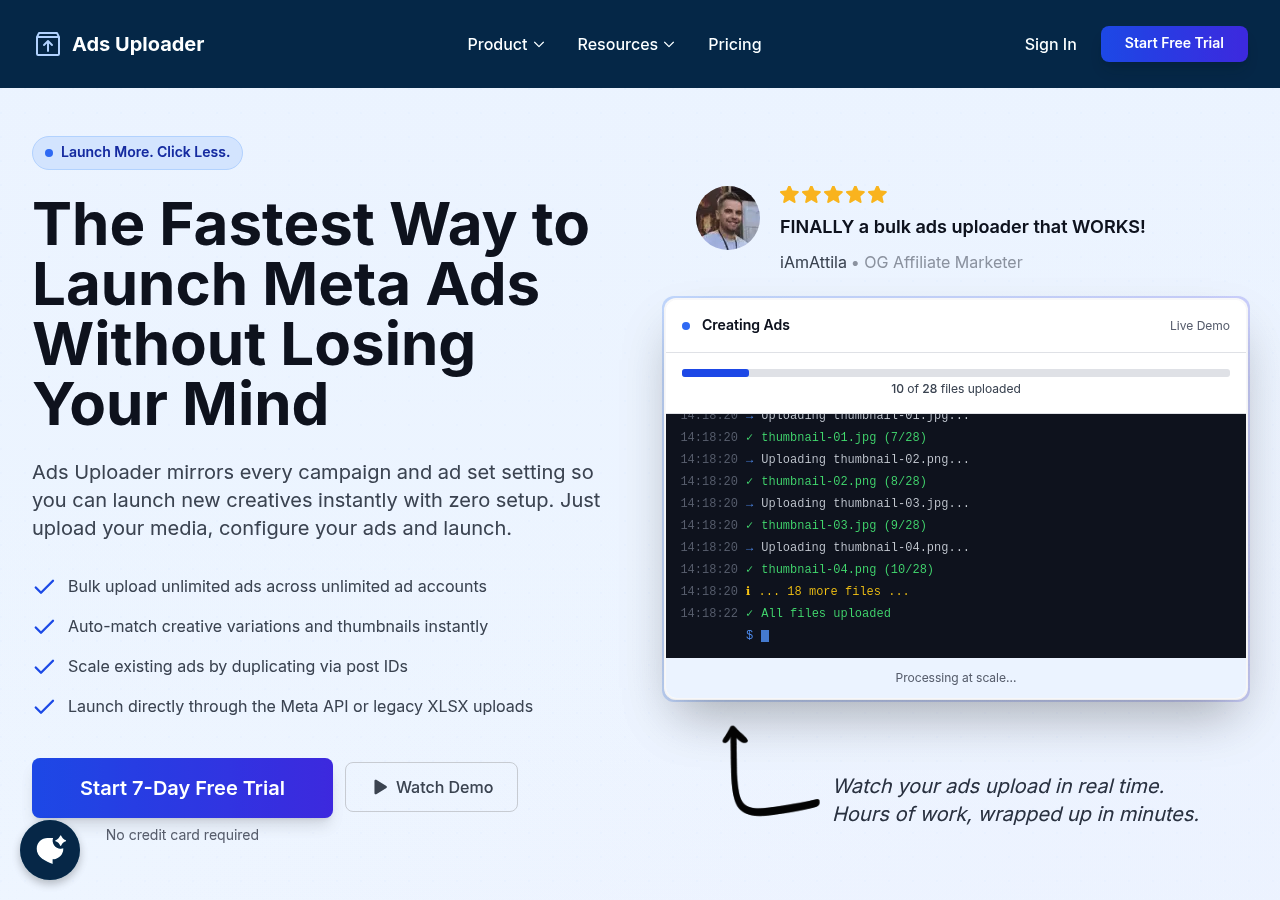
Category: Pure ad launcher
Ads Uploader is a web app (with a CLI and a hosted MCP on the same engine) that builds and launches Meta ads directly through Meta's Marketing API. It is not a spreadsheet tool. You pick an ad you already run as the template, its campaign and ad set settings carry over, you drop in the new creatives, and the ads publish straight to your ad account.
Key features
- Direct Marketing API publishing - Ads go live in your account from the web app, with no spreadsheet or import step
- Badged Meta Business Partner for advertising technology - App reviewed for Marketing API access, business verified, meets Meta's ongoing compliance standards for partners in the program
- Unlimited ads and ad accounts - No per-account or volume caps on the flat plan
- Auto-matching for creative variations and thumbnails - Upload your batch and the tool pairs files automatically, with customizable per-placement ordering so feed, story, and reels variants land in the right slots without manual sorting
- Post ID duplication - Scale winners while preserving likes, comments, and shares
- Wide format coverage - Single image and video, carousel, flexible, multi-media, and lead form ads
- Partnership ads in bulk - Launch creator partnership ads with your own media and set a different partner per ad or ad set, or boost a creator's existing Instagram post by pasting its partnership ad code, post URL, or Post ID, one per row
- CLI and MCP for AI agents - Claude, ChatGPT, or your own scripts can preview and create real ads, not just read data, with the same defaults, validation, and saved builds as the web app. Partnership ads work here too
- Optional legacy XLSX export - API launching is the default; the export exists only for teams whose review process requires importing through Ads Manager
Where it shines: Ads Uploader launched in 2025 with a focus on doing one thing well: eliminating the upload bottleneck. The interface is intentionally simple, and users consistently report the learning curve is around five minutes if you already know Ads Manager. It also covers two workflows that usually push teams toward pricier tools: creator partnership ads, including a creator's existing Instagram posts, and launching from an AI agent through the CLI or MCP. At $59/month flat with unlimited accounts, it's the lowest-friction option for anyone running serious creative testing.
What's missing: No TikTok support. Meta only. If you need cross-platform launching or built-in analytics, you'll want a different tool.
Pricing: $59/month flat (unlimited ads, unlimited accounts). Discounted team plans available.
2. AdManage.ai - Best for agencies with large budgets who need multi-platform support
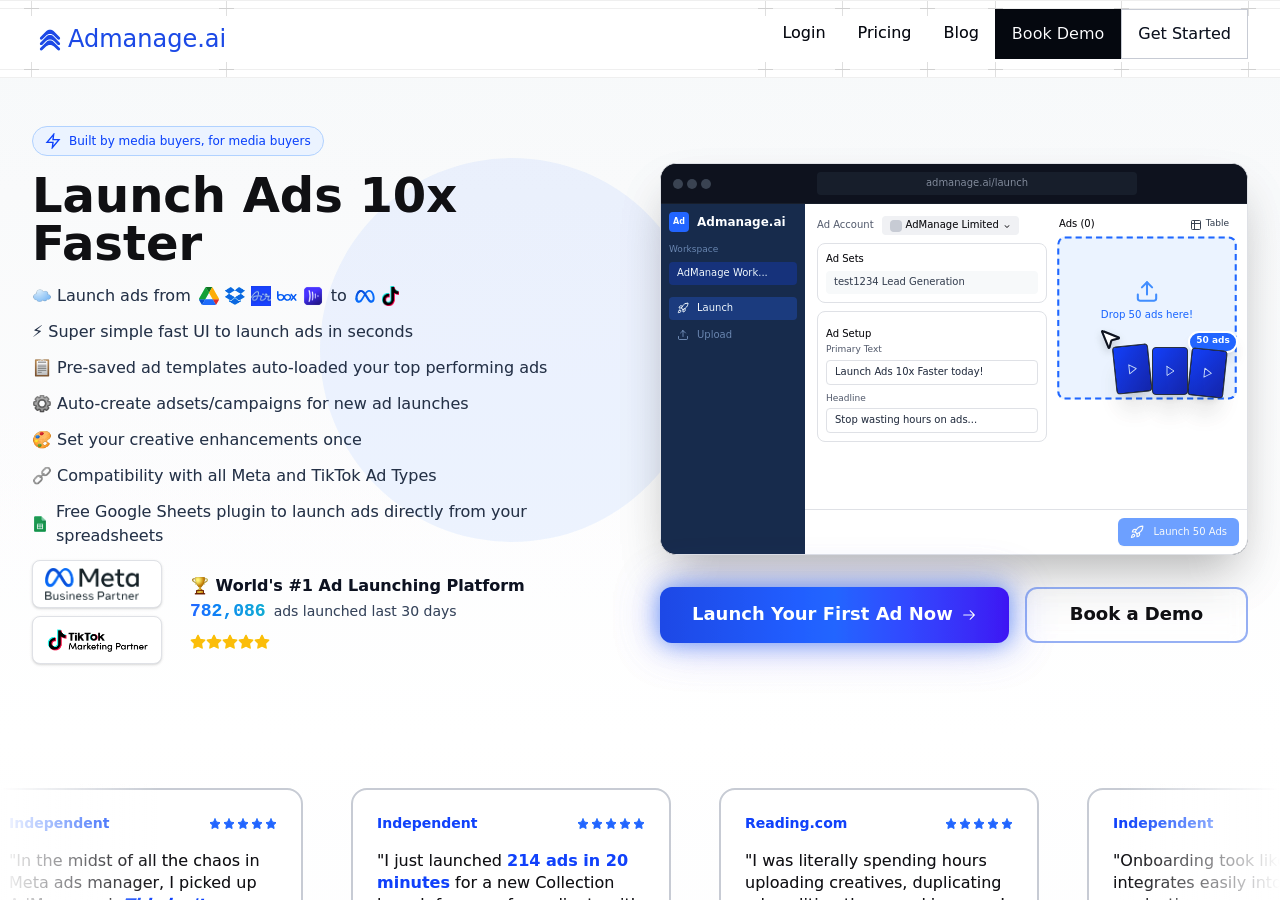
Category: Pure ad launcher (premium)
Key features
- Auto-grouping for 1:1, 4:5, 9:16 - Videos sort themselves into placement-correct ad sets
- Google Sheets add-on - Manage campaigns in a spreadsheet, push live to Meta
- AdManage MCP and public API - A hosted MCP server (read-only by default, write access toggleable) plus a documented REST API with a launch endpoint, so external AI assistants and scripts can drive it
- Cross-market launches - Duplicate one ad across multiple markets with localized copy in a single batch
- Post ID launching - Preserve social proof when scaling winners
- Multi-platform - Meta, TikTok, Google, Snapchat, Pinterest, LinkedIn, Reddit, X, and more from one interface (up to 10 platforms on In-house and above)
Where it shines: Once volume crosses 100+ ads per week across multiple ad accounts, AdManage's auto-grouping and Google Sheets workflow remove the part of bulk launching that still feels manual on other tools. The platform reports over a million ads launched per month.
What's missing: The entry Essential tier covers one ad account on one platform, so multi-platform launching starts at the £499.99/month In-house tier. The In-house and Agency tiers are premium, and unlimited accounts sits on the custom Enterprise plan (the Agency tier covers 10).
Pricing: Essential £199.99/month ($265, 1 ad account, 1 platform), In-house £499.99/month ($660, 5 ad accounts), Agency £999.99/month (~$1,325, 10 ad accounts); unlimited accounts is custom-priced Enterprise. Essential has a 7-day money-back guarantee; In-house and above have 30 days.
3. Adnova - Best for buyers who want ad research and launching in one tool
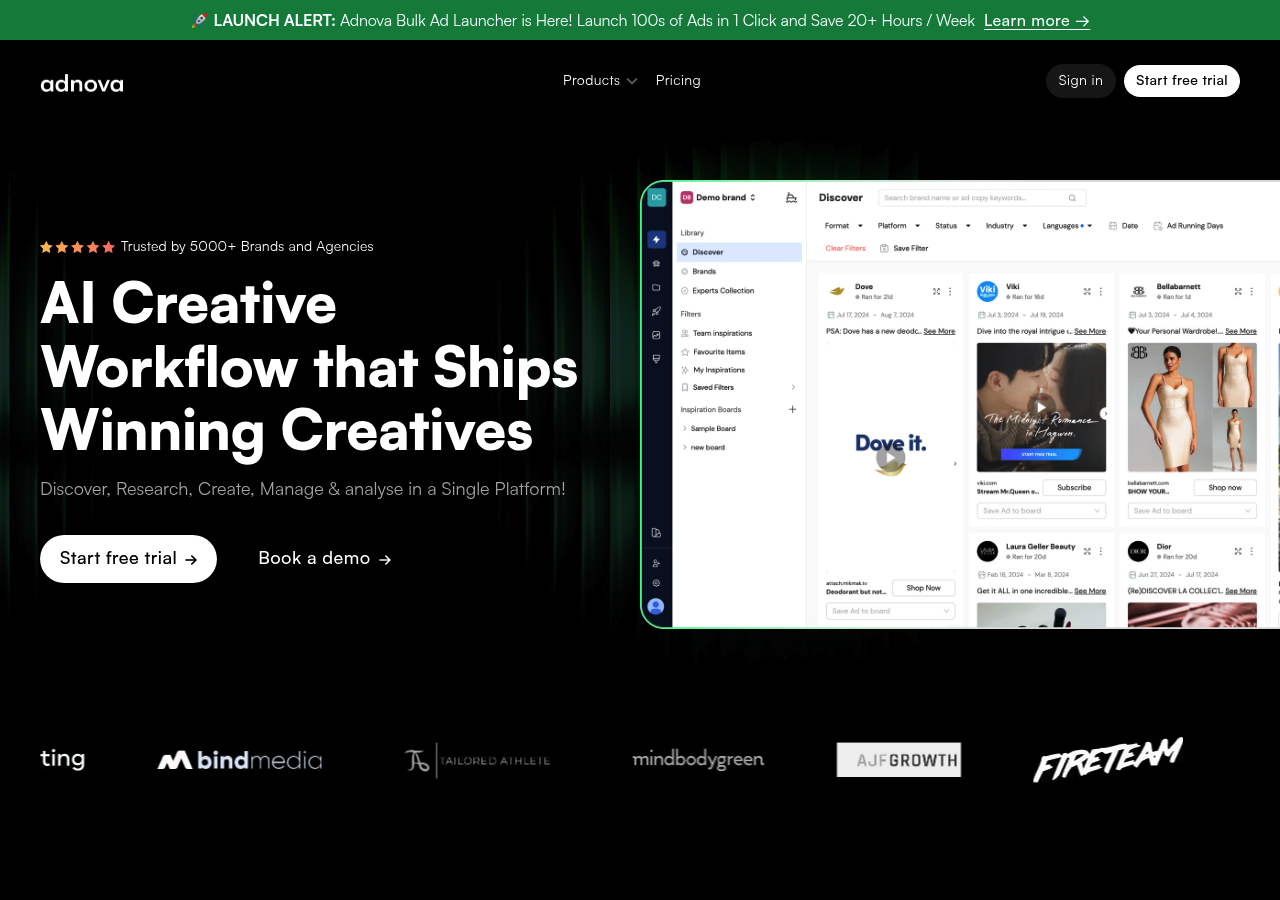
Category: Analytics platform with bulk launching
Key features
- 75M+ ad library for competitor research alongside your launch workflow
- Auto-grouping for multi-placement ads
- Post ID preservation for scaling winners
- Google Drive and Dropbox integration (20GB storage included)
- Performance dashboards built on top of the launcher
Where it shines: Adnova started as a creative research and analytics platform and now sells its Ad Launcher as one product in a wider creative workflow suite, next to ad research, creative analytics, and a creative hub. If you want competitor tracking and launch tooling bundled together, it offers that combination.
What's missing: Per-account pricing adds up fast at scale ($79/month billed annually + $20 per additional ad account, so a 5-account setup runs ~$159/month, or ~$179/month on monthly billing). The analytics-first heritage shows in places where the launcher workflow could feel more streamlined.
Pricing: Ad Launcher $99/month, or $79/month billed annually, + $20 per additional ad account (20GB storage included). The full research and analytics platform is priced separately. 7-day free trial, no credit card required.
4. Blip - Best for solo buyers who need more analytics support
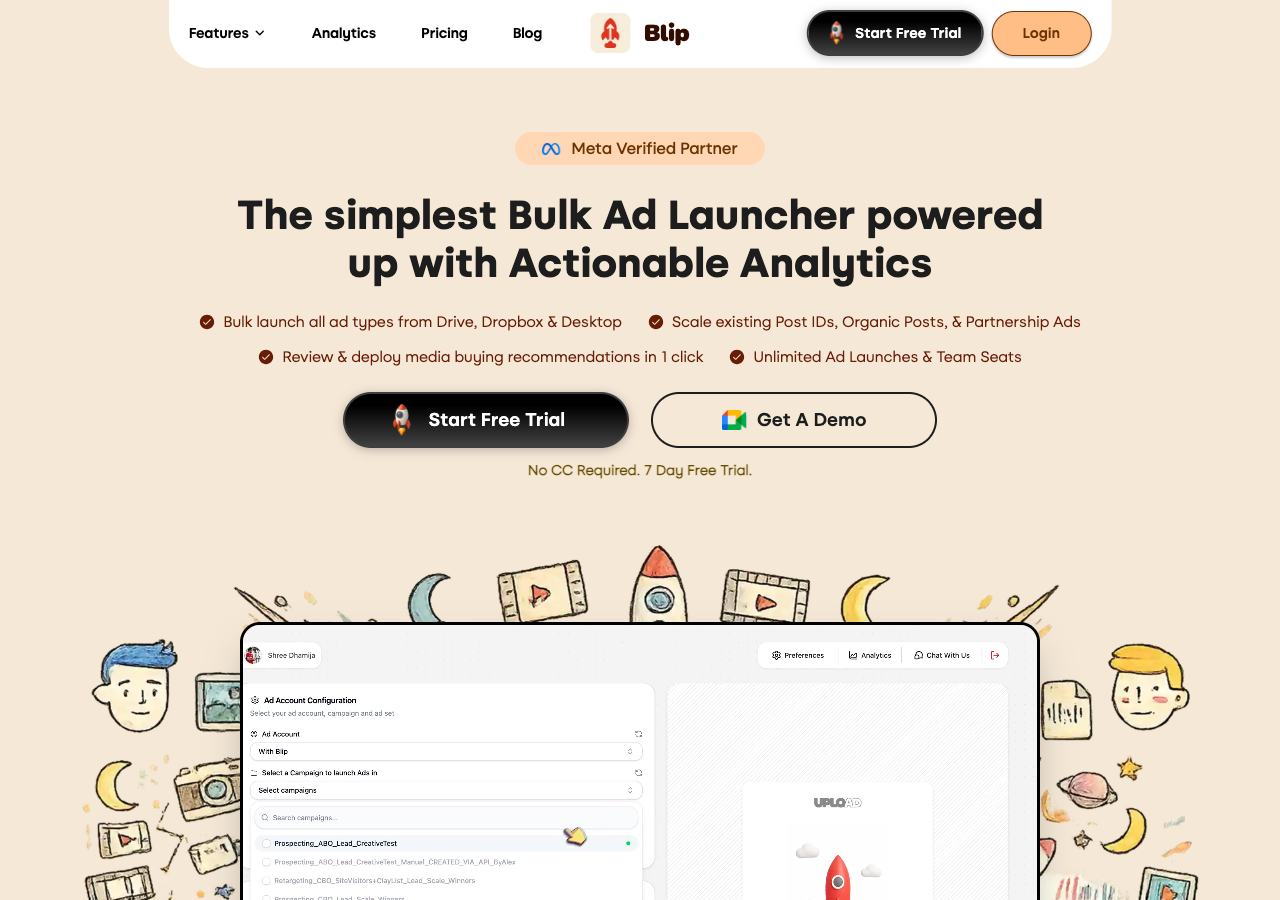
Category: Launcher + analytics
Key features
- Direct Meta Marketing API publishing
- Partnership and whitelisting ad workflow with saved creator handles and persistent partner settings per ad account
- Post ID scaling to preserve likes, comments, and shares on winners
- Format coverage across image, video, carousel, flexible, lead gen, and boosted Instagram posts
- Google Drive and Dropbox imports (Frame.io listed as coming soon)
- Unlimited ad launches on every plan
Where it shines: Blip is a clear improvement on working in Ads Manager directly. It's built by media buyers, and its saved partnership configs remove real re-entry work if whitelisted creator ads are a big part of your launches.
What's missing: The launch flow stays on the clicky side, with fewer configuration options than Ads Uploader - matching assets and settings takes more steps than it should, and there's no CLI or MCP for teams that want to script launches. Unlimited ad accounts requires the top Pro plan at $370/month, over 6x the cost of a flat unlimited-accounts tool.
Pricing: Starter $49/month (1 ad account), Light $199/month (5 ad accounts), Pro $370/month (unlimited ad accounts). Every plan includes unlimited ad launches and a 7-day free trial (no credit card required).
Launch More. Click Less.
Upload hundreds of creatives at once, auto-match thumbnails to videos, and publish straight to your ad accounts through Meta's API.
Try Ads Uploader FreeNo credit card required • 7-day free trial
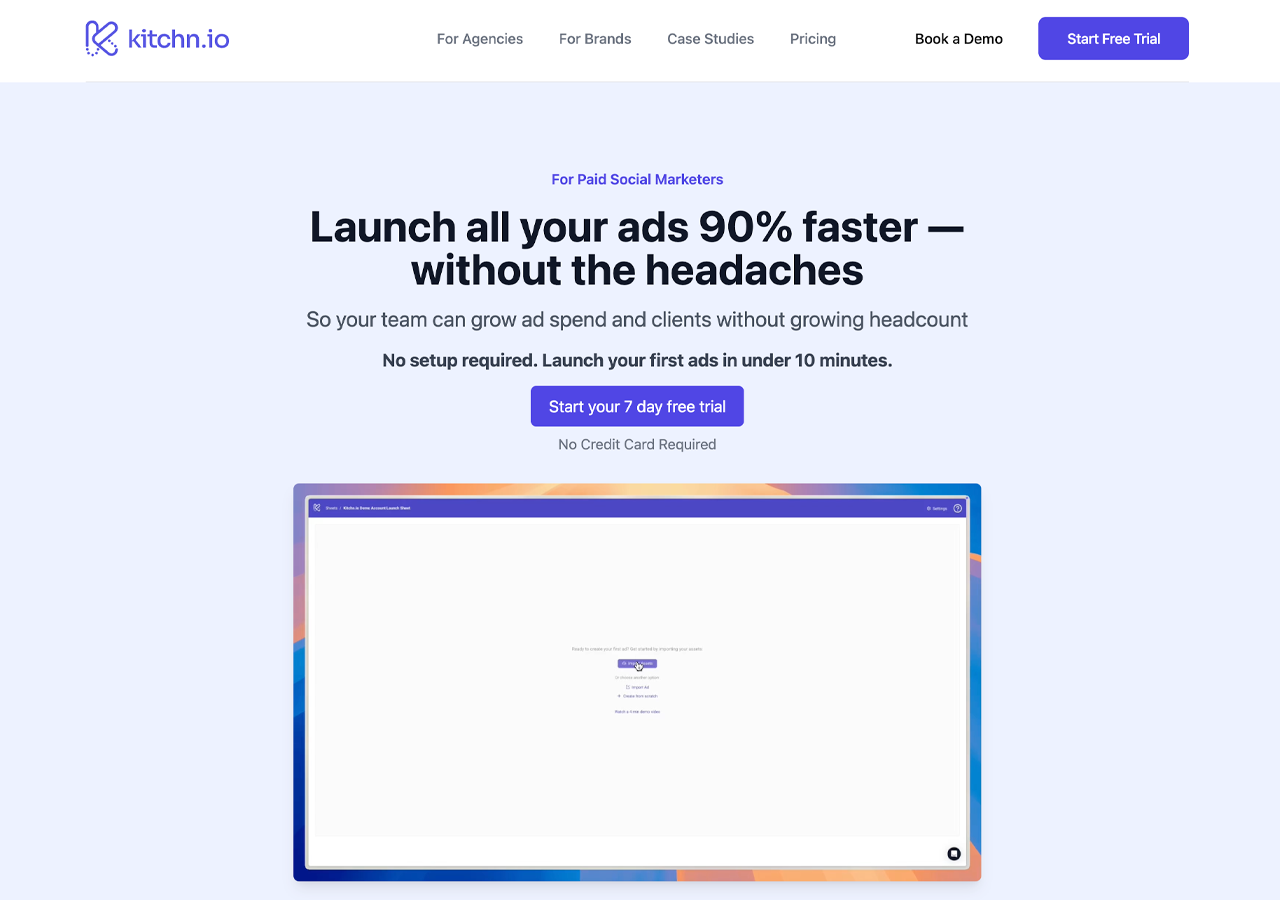
5. Kitchn.io - Best for creative teams working from cloud storage
Category: Workflow automation with bulk launching
Key features
- Deep Google Drive, Dropbox, and Frame.io integrations for asset sync
- Meta, TikTok, Google (Demand Gen), Pinterest, and Snapchat in one platform, with LinkedIn, Spotify, and AppLovin in beta
- Existing Post ads and Creative ID reuse as the social-proof preservation mechanisms
- Bulk editing of text, headlines, descriptions, URLs, CTAs across an entire batch
- Pre-set defaults for pixels, URL parameters, and creative settings
Where it shines: Kitchn focuses on creative workflow automation with bulk launching as part of the system. Users report it being roughly 90% faster than manual Meta Ads Manager workflows. Good fit if you have established cloud storage workflows and need TikTok or other channels alongside Meta.
What's missing: The entry Launch Team plan caps uploads at 900/month (extra uploads cost €29 per 100, extra ad accounts €99 each); unlimited uploads only arrive on the €1,999/month Launch Elite plan. No automatic 9:16 resize, so vertical placements need manual uploads. Higher starting price (€499/month).
Pricing: Launch Team €499/month ($529 on Kitchn's USD pricing; 5 ad accounts, 900 uploads), Launch Elite €1,999/month ($2,349; 15 ad accounts, unlimited uploads), Enterprise from €50,000/year (unlimited accounts). Extra uploads €29 per 100; extra ad accounts €99/month each. 14-day guided trial.
6. Birch (Revealbot) - Best for teams who need post-launch automation rules
Category: Automation platform with bulk launching
Key features
- Automated rules engine for bulk pausing, scaling, budget adjustments, bid modifications
- Stage bulk creation builds ads from a mapped Google Sheet and Drive folders, or by duplicating existing setups
- Multi-platform support (Meta, Google, Snapchat, TikTok)
- Post Boosting feature for Post ID preservation
- Custom metrics and reporting with Slack and email alerts
Where it shines: Birch (rebranded from Revealbot) is a mature platform with a proven track record. Its real strength is conditional automation: execute bulk changes when specific performance thresholds are met. If your CPA exceeds $50 on any ad set, Birch can automatically pause, duplicate winners, and reallocate budget.
What's missing: Bulk launching is secondary to automation. The spreadsheet workflow appeals to power users but feels clunky compared to drag-and-drop launchers. Budget automation rules are less critical than they used to be now that Meta's algorithmic bidding is more mature. Pricing is based on your monthly ad spend across connected accounts, with overages if you exceed your plan's spend limit.
Pricing: Essential $49/month, Pro $99/month, Enterprise custom, each scaling with the ad spend across your connected accounts. 14-day free trial, no credit card required.
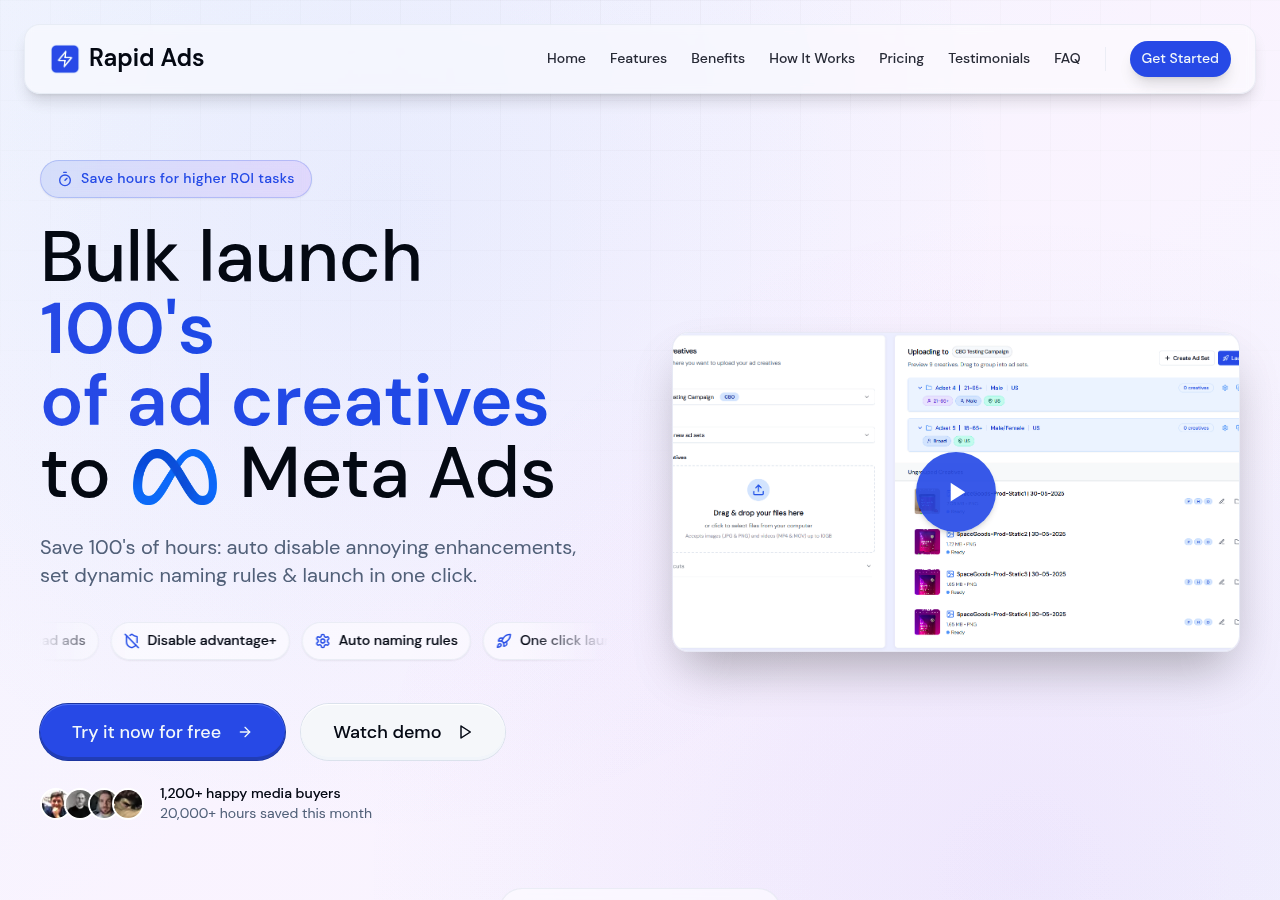
7. Rapid Ads - Best for dropshippers on a tight budget
Category: Pure launcher (budget)
Key features
- Lowest paid pricing at $39/month
- ~10-upload trial tier (a capped lifetime trial, sometimes described as "free")
- Unlimited uploads and ad accounts on the paid plan
- Post ID and flexible ads supported
- Template-based configuration for global ad settings
Where it shines: Rapid Ads has the lowest price point in the bulk launcher market and has built a strong following in the dropshipping community, where margins are thin and ad volume is high. The $39/month tier includes unlimited uploads and unlimited ad accounts, which is unusual at that price.
What's missing: Limited ability to configure more advanced ad targeting and workflows. Works well for basic campaigns but starts to creak once your campaign structure varies or you need finer control over ad sets. The template-based configuration forces global settings before you can launch, which surprises some users. No Google Drive integration is listed, and carousel and partnership ads are still marked as coming soon. The free tier (a lifetime cap of around 10 uploads) is enough to get a feel for the tool, but not to fully evaluate it across different campaign scenarios.
Pricing: Trial tier (~10 lifetime uploads), $39/month (unlimited uploads, unlimited accounts).
One detail worth understanding on the free tier: it's a lifetime cap, not a monthly one, currently around 10 uploads (reportedly down from 15). That makes it function more like a trial than an ongoing free tool, once you reach it you move to a paid plan. It's a reasonable model, just worth knowing if the free angle is what's drawing you in. Ads Uploader structures its trial differently, with a 7-day window and no per-upload limit, so if you'd rather evaluate with real launch volume than a fixed number of lifetime uploads, it's worth comparing the two on those terms.
Rapid Ads vs Ads Uploader (quick view)
| Feature | Rapid Ads | Ads Uploader |
|---|---|---|
| Price | $39/mo | $59/mo |
| Post ID | Yes | Yes |
| Ad accounts | Unlimited | Unlimited |
| Google Drive | No | Yes |
| Partnership ads | Coming soon | Yes, incl. creator posts by ad code or URL |
| CLI / MCP | No | Yes |
| Free trial | ~10 lifetime uploads | 7-day full access |
8. Koast - Best for teams who want stop-loss automation
Category: Automation platform with bulk launching
Key features
- Auto stop-loss checks every 5 minutes and pauses unprofitable ads automatically
- AI agents for triage, scaling, recaps, and audits, with sensitive moves held for your review
- One-click launch templates that save naming, UTMs, pixels, and placements once
- Batch launching with auto-grouped creative sizes
- One Post ID across every account so likes, comments, and shares compound
- Role-based team permissions with unlimited teammate seats
Where it shines: Koast's 5-minute stop-loss checks are genuinely faster than most competitor automation. For teams where post-launch monitoring matters as much as launch speed, the combination is useful.
What's missing: The entry price is high for a team that mainly needs launching: Growth is $499/month plus a one-time setup fee, backed by a 30-day satisfaction guarantee. Growth covers up to 10 ad accounts; unlimited accounts need the custom Enterprise plan.
Pricing: Growth $499/month plus a one-time setup fee (up to 10 ad accounts, unlimited launches and seats, month-to-month); Enterprise custom on an annual agreement for unlimited accounts. 30-day satisfaction guarantee.
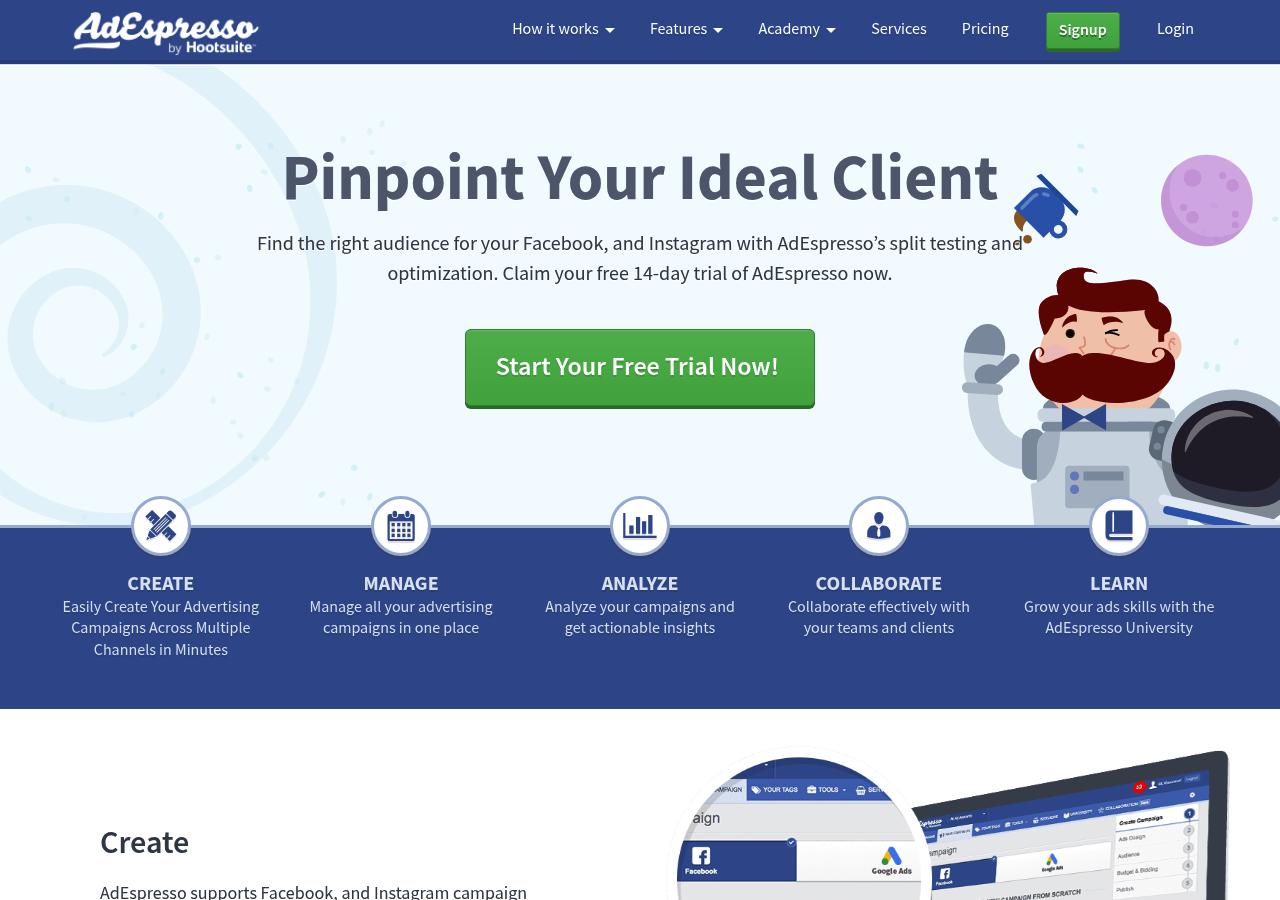
9. AdEspresso - Best for agencies who need client approval workflows
Category: Legacy platform (owned by Hootsuite)
Key features
- Grid composer auto-generates every combination of images, headlines, and body copy
- Approval workflows for client review and revision tracking
- Campaign scheduling for future launches
- PDF reporting with performance summaries and optimization recommendations
- Unlimited ad accounts on every plan (Facebook and Instagram campaigns only)
Where it shines: AdEspresso's grid composer is its signature feature. Upload 3 images, 4 headlines, and 3 descriptions, and the platform automatically creates all 36 unique ads. For agencies that route campaigns through client approval, the built-in workflow is genuinely useful and not commonly available elsewhere. For the full feature-by-feature breakdown, see our AdEspresso comparison.
What's missing: The platform hasn't seen major updates recently and the educational materials are several years old. Tiered spend limits on lower plans ($1K monthly cap on Starter). Price increases significantly with scale. Newer tools have more modern interfaces.
Pricing: $49/month (Starter, $1K spend limit), $99/month (Plus, unlimited spend), $259/month (Enterprise).
10. Madgicx - Best for teams who want AI budget optimization

Category: AI platform with bulk launching
Key features
- AI Marketer delivers daily campaign recommendations with explanations
- AI Audiences identifies high-value segments from customer behavior data
- Creative Insights dashboard analyzes winning creative elements across all ads
- Autonomous Budget Optimization redistributes spend across campaigns in real time
- Ad Library with millions of examples for inspiration
- Madgicx MCP (early access) - a hosted MCP server that lets external AI assistants read accounts and apply optimizations
Where it shines: Madgicx is an end-to-end AI Ad Cloud where bulk launching is one feature in a larger system. Its AI Audiences feature analyzes customer data to identify high-value segments, then automatically generates targeting combinations for bulk testing. This eliminates guesswork around which audience parameters to test. For how it stacks up against a focused launcher, see our Madgicx comparison.
What's missing: Spend-based pricing that climbs with your monthly ad spend (Madgicx shows exact tier prices in-app rather than on its public pricing page, so the real number depends on your account). Steep learning curve. Tracking Pro add-on costs extra ($49/mo). Requires significant setup time. If you're looking for a focused bulk launcher, you're paying for a lot more than you need.
Pricing: Spend-based, shown in-app by your monthly ad spend tier (not published publicly). Tracking Pro attribution add-on is $49/month. 7-day free trial available.
11. AdAmigo - Best for advertisers who want a built-in AI assistant
Category: AI account manager
Key features
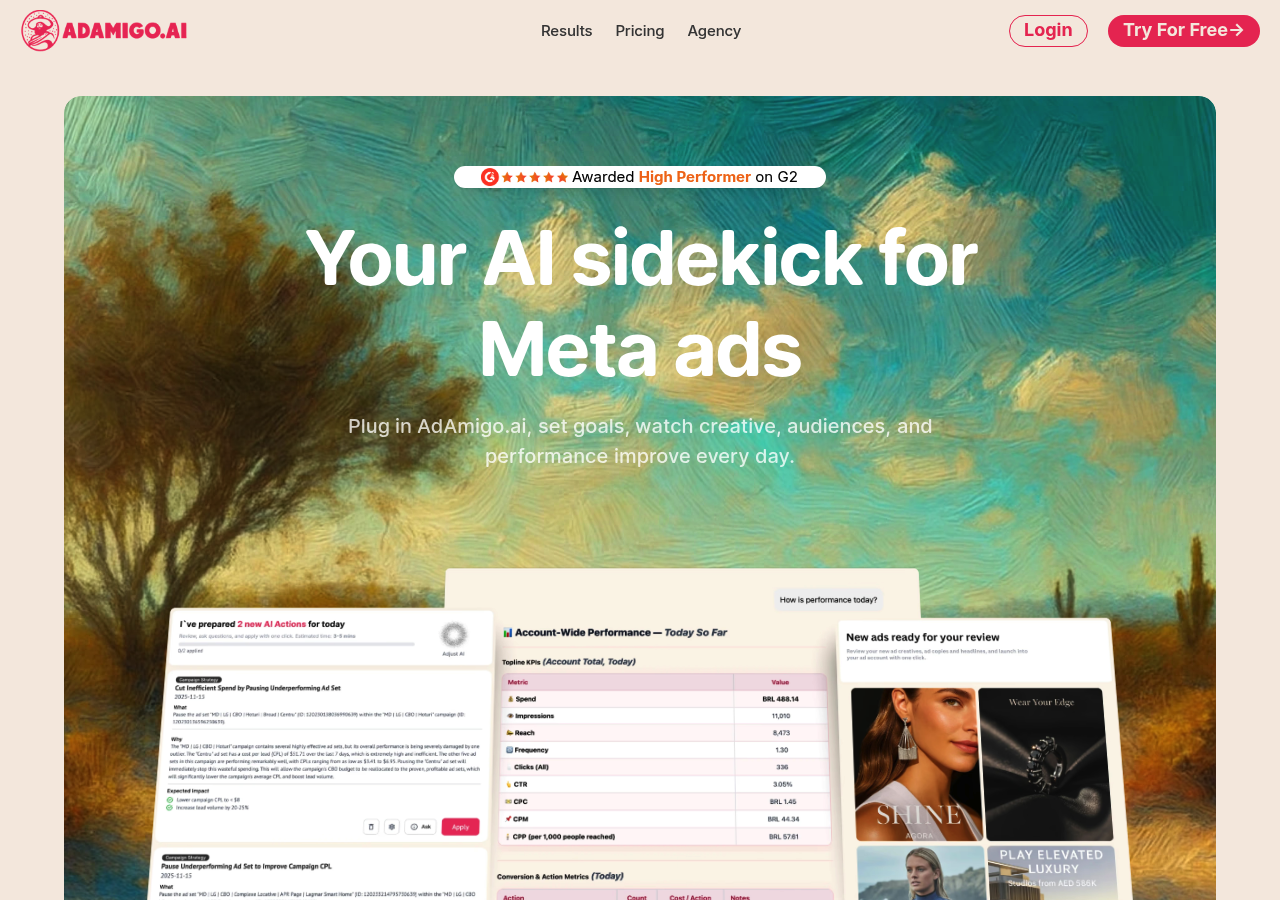
- AI Action Agent with optimization actions and explanations
- AI Chat Agent for text and voice-command account management
- 24/7 anomaly detection for spend, broken links, and setup errors
- AI-generated ad creatives integrated with the launcher
- Post ID support for scaling winners
- Google Drive integration for assets
Where it shines: AdAmigo is built for AI-first campaign management. You can instruct the platform via text or voice to build campaigns, audiences, and ads as a cohesive system. Setup is straightforward: connect your ad account, define KPIs, and brief the AI on your goals. As an official Meta Business Technology Partner, it integrates directly with your account.
What's missing: More of an AI account manager than a focused bulk launcher. Per-account pricing adds up fast ($99-349/mo per account, or $99/mo per account for the standalone Bulk Launch product). A 3-account agency setup runs $297-1,047/mo. If you just want to upload ads quickly without AI opinions on your strategy, the focused launchers are leaner.
Pricing: $99/month per account (Entry) up to $349/month per account (Unlimited Access). Standalone Bulk Launch: $99/month per account. 7-day free trial.
12. AdStellar - Best for teams who want AI-suggested campaigns
Category: AI recommendations platform
Key features
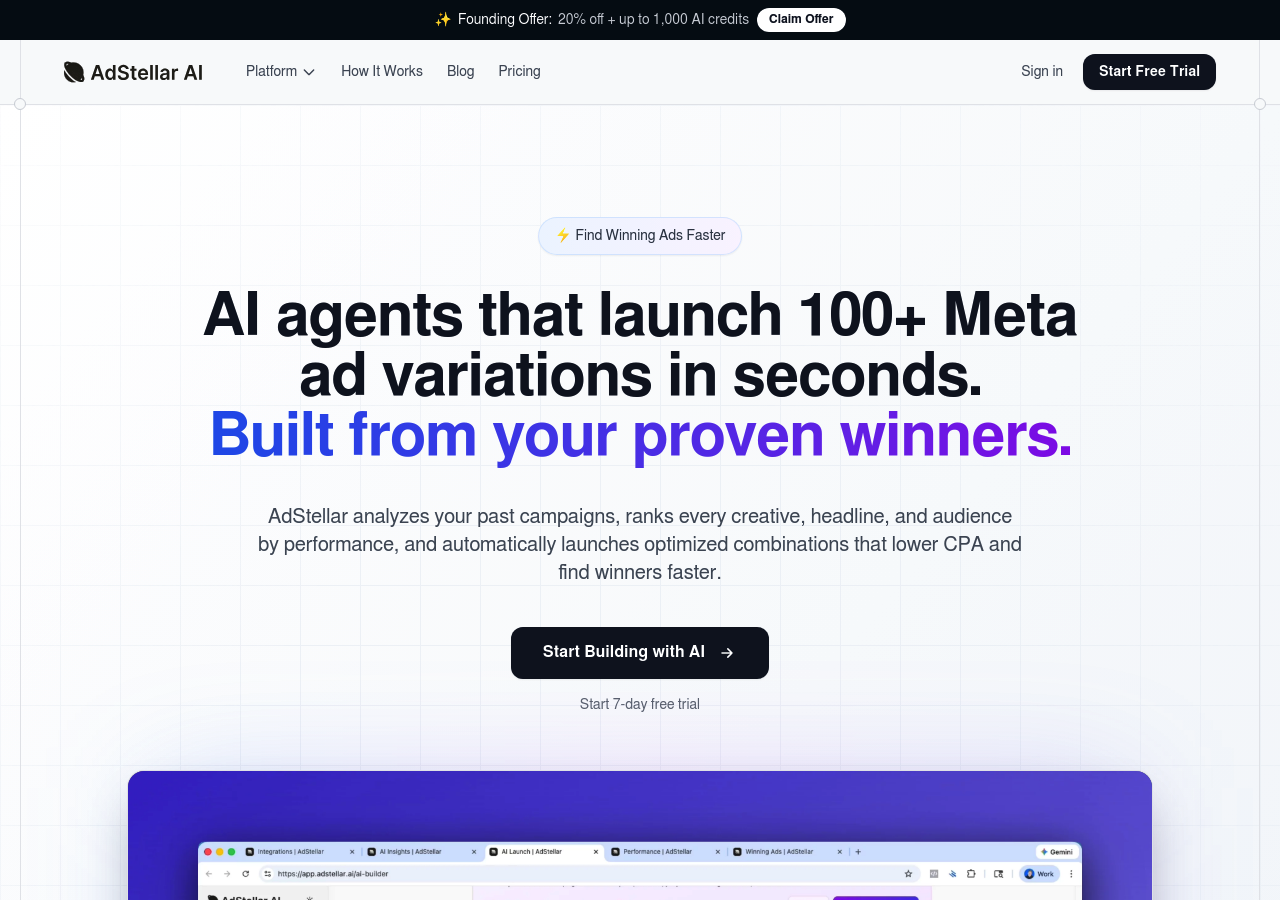
- Unified AI Agent - an AI media buyer with persistent memory that creates, launches, and scales campaigns from your goals
- AI-generated image, video, and UGC-style avatar ads built from a product URL or a competitor ad
- AI Campaign Builder that structures campaigns from your historical performance data
- Winners Hub library of proven ad elements
- Creative Analytics with performance leaderboards
Where it shines: AdStellar analyzes your historical performance data before it builds anything. Its unified AI Agent works like an AI media buyer with memory: creating campaigns, launching ads, and reallocating budget toward winners. The Winners Hub stores proven creative elements automatically, letting you reuse top performers across new campaigns with one click.
What's missing: Newer tool with limited public track record. AI work runs on a monthly credit balance (manual builds are free), so heavy generation can burn through credits and adds pricing complexity. Post ID launching is not listed on AdStellar's feature pages.
Pricing: A single credit-based plan starting at $100/month for 50,000 AI credits ($2 per 1,000 credits, you pick the volume), with unlimited seats and ad accounts. New accounts start with $100 in free credits.
Notable Mentions and DIY Alternatives
Several tools handle adjacent use cases that don't fit the focused-launcher comparison above but are worth knowing.
Meta Ads Manager native XLSX bulk upload. Free with every Meta Ads account. Export campaigns to spreadsheet, edit offline, re-import. Works for 5-20 ads per week. Newer ad formats aren't supported in the sheet, and the workflow involves a lot of back-and-forth and copy-pasting between the spreadsheet and Ads Manager. The reason third-party launchers exist.
Meta's official MCP and CLI. Meta now ships an official MCP server and command-line interface for the Marketing API. These are essentially different interfaces to the same API the third-party tools use. Powerful if you want to script everything yourself, but not for everyone - see our breakdown of Meta Ads MCP vs CLI for what each does and where each fits. If you want a tested workflow without troubleshooting your own scripts, the Ads Uploader CLI and MCP (both included in the $59/month plan) are often the more cost-effective path.
Smartly.io. Enterprise creative automation that generates dynamic ads at scale by connecting product catalogs to creative templates. Typical use case: thousands of localized variations across multiple markets. Pricing is enterprise-level and suits brands spending $100,000+ monthly.
Hunch. Feed-based dynamic creative platform focused on personalization. Generates ad variations based on user behavior, geography, weather, and real-time inventory. Strong on video automation. Custom pricing based on creative volume.
Canva + Meta bulk upload. Design-first workflow for teams without dedicated designers. Canva handles bulk resizing across all Meta ad formats; Meta's native bulk upload handles deployment. Useful when your bottleneck is creative production rather than campaign setup.
Pricing Comparison
| Tool | Pricing Model | Monthly Cost | Ad Accounts |
|---|---|---|---|
| Ads Uploader | Flat | $59 | Unlimited |
| AdManage.ai | Flat | £199.99-999.99 (~$265-1,325) | 1-10 (Ent. unlimited) |
| Adnova | Per-account | $79-99 + $20/account | Scales |
| Blip | Flat (tiered) | $49-370 | 1-Unlimited |
| Kitchn.io | Usage-capped | €499-1,999 ($529-2,349) | 5-15 included |
| Birch | Spend-based | $49-99+ (Ent. custom) | Per tier |
| Koast | Flat | $499 + setup fee | 10 (Ent. unlimited) |
| AdEspresso | Spend-tiered | $49-259+ | Varies |
| Rapid Ads | Flat | $39 (~10-upload trial) | Unlimited |
| Madgicx | Spend-based | Shown in-app | Per tier |
| AdAmigo | Per-account | $99-349/account | Per account |
| AdStellar | Credit-based | From $100 | Unlimited |
Key insight: Flat-rate tools become increasingly valuable as you scale. Spend-based and per-account models can cost significantly more as you grow. At $50K monthly spend, the gap between a flat $59 tool and a 1% spend-based tool is roughly $440/month.
Making Your Decision
The right tool depends on what you're actually trying to solve.
If you want a pure, focused bulk launcher:
- Ads Uploader offers the best value at $59/month with Post ID support and unlimited accounts
- AdManage.ai if you have the budget for a premium option and need TikTok support
If creator partnership ads are a big part of your launches:
- Ads Uploader launches partnership ads with your own media or from a creator's existing Instagram post (by ad code, post URL, or Post ID)
- Blip saves creator handles and partner settings per ad account
If you want to launch from an AI assistant or your own scripts:
- Ads Uploader includes a CLI and a hosted MCP in the $59/month plan, with the same validation and saved builds as the web app
- AdManage.ai offers a hosted MCP and a REST API with a launch endpoint
- Koast offers a hosted MCP that can publish ads within a spend ceiling you set
If you're a freelancer or agency running many client accounts:
- Ads Uploader ($59/month) and Rapid Ads ($39/month) are flat with unlimited ad accounts, and Blip covers unlimited accounts on its $370/month Pro plan
- Per-account pricing (Adnova, AdAmigo) climbs with every client you add
If you want bulk launching as part of a wider product suite:
- Adnova combines launching with creative analytics
- Birch combines launching with post-launch automation rules
If you want AI to manage your campaigns:
- Madgicx, AdAmigo, or AdStellar include bulk launching as part of broader AI systems
If you're really shopping for a Meta ad management tool (not a launcher):
- Birch for automation rules (pause, scale, budget changes on triggers)
- Madgicx for AI-driven budget optimization across campaigns
- AdAmigo for 24/7 anomaly detection and AI-driven account audits
- Smartly.io for enterprise creative production at scale
If you want a no-code or DIY workflow:
- Meta's native XLSX bulk upload for low-volume teams
- Google Sheets + AdManage's add-on for spreadsheet-driven launches
For most advertisers who just want to upload ads faster while keeping control of their accounts, a pure launcher is the simplest solution.
Getting Started
- Start with a real free trial. Most tools offer 7-14 day trials so you can test the full workflow. Check whether a "free" tier is an ongoing free plan or a small lifetime upload cap (often around 10) - the latter is really a short trial, so weigh it against a proper time-boxed free trial.
- Test with a small batch. Upload 10-20 ads to learn the workflow before committing.
- Set up your naming conventions. Organize from day one.
- Create campaign presets. Template your winning configurations so the next launch is faster.
- Scale gradually. Move from 20 to 50 to 100+ as you gain confidence in the workflow.
Frequently Asked Questions
What is a bulk ad launch tool?
A bulk ad launch tool is specialized software that lets you upload and publish dozens or hundreds of Meta ads simultaneously instead of creating them one at a time in Ads Manager. These tools automate media uploads, thumbnail matching, naming conventions, and either publish directly via Meta's Marketing API or generate XLSX files for import.
Save Hours on Creative Testing
Stop uploading ads one by one. Bulk process unlimited creatives with automatic media matching and direct API publishing.
Try Ads Uploader FreeNo credit card required • 7-day free trial
How much time do bulk ad tools actually save?
Most tools reduce 100-ad launches from 3-4 hours to 10-30 minutes. The exact savings depend on your workflow, but expect 80-90% time reduction on the upload process itself.
Do bulk-uploaded ads perform differently than manual ads?
No. Ads created via bulk tools perform identically to manually created ads. Meta's algorithm treats them the same way. The only difference is how efficiently you created them.
What's the difference between API publishing and XLSX upload?
API publishing sends ads directly to Meta instantly via the Marketing API. XLSX upload generates a spreadsheet you import manually through Ads Manager. API is faster but some advertisers prefer the review step of XLSX import.
Should I choose flat pricing or spend-based pricing?
Flat pricing (like Ads Uploader at $59/month) is almost always better value as you scale. Spend-based models charge more as your ad spend increases, penalizing successful campaigns. At $50,000/month spend, a flat $59 tool vs. a 1% spend-based tool costs $500/month, so the break-even sits around $5,900 monthly spend.
Can I preserve social proof when duplicating ads?
Only if your tool supports Post ID duplication. This feature maintains the original Facebook post, keeping all likes, comments, and shares. Tools without this feature create new posts, starting engagement from zero.
Can you bulk upload Meta ads?
Yes. Meta Ads Manager includes a native XLSX bulk upload feature that handles campaign, ad set, and ad creation. It works for low-volume teams, but many newer ad types aren't supported in the spreadsheet, and the workflow involves a lot of back-and-forth and copy-pasting between the sheet and Ads Manager. Third-party launchers exist to remove that friction.
Does Meta Ads Manager have a native bulk upload feature?
Yes. Meta's native bulk upload lets you export campaigns as XLSX, edit offline, and re-import. It's free, but newer ad formats aren't supported in the sheet and you'll spend a lot of time copy-pasting between the spreadsheet and Ads Manager. Workable for 5-20 ads per week; impractical above that.
What's the best free bulk Facebook ads tool?
Genuinely free bulk Facebook ads tools are rare. Rapid Ads has a free tier, but it's a lifetime cap of around 10 uploads, so it works more like a trial than an ongoing free tool. If you want to test a workflow with real volume, a proper 7-day free trial (like Ads Uploader's) gives you more room than a fixed handful of lifetime uploads.
Will bulk-uploaded ads get flagged by Meta?
No. Reputable bulk launchers publish via Meta's official Marketing API, which is the same API Meta itself uses internally. Ads launched this way are indistinguishable from manually created ads in Meta's systems.
Which bulk ad launchers support partnership ads?
Ads Uploader, Blip, and AdManage.ai all launch Meta partnership ads in bulk. Ads Uploader runs them with your own media, with a different creator per ad or ad set if you need it, and can boost a creator's existing Instagram post from its partnership ad code, post URL, or Post ID. Blip saves creator handles and partner settings per ad account. Rapid Ads lists partnership ads as coming soon.
Which bulk ad launchers work with Claude or ChatGPT?
Any launcher with an MCP server can connect to Claude or ChatGPT, but what the assistant can do varies. Ads Uploader's hosted MCP and CLI preview and create real ads with the same validation as its web app. AdManage.ai offers a hosted MCP (read-only by default) plus a REST API, and the MCPs from Koast and AdStellar can publish campaigns. Birch's MCP manages rules and reads data, with ad creation still in progress, and Adnova's covers creative analytics. Blip, Rapid Ads, and AdEspresso don't list one.
What's the difference between a bulk ad launcher and a Meta ad management tool?
A bulk ad launcher solves the upload bottleneck: getting ads from creative pipeline into live campaigns fast. A Meta ad management tool (sometimes called a Facebook ad management tool) adds automation rules, AI optimization, and reporting on top of running campaigns. Pick a launcher when your bottleneck is launch speed; pick a management tool when it's post-launch optimization. Some platforms blur the line: Birch, Madgicx, AdAmigo, and Smartly.io all sit somewhere on the management end of the spectrum.
What's the best Meta ad management tool in 2026?
It depends on what "management" means for your workflow. For automation rules (pause, scale, budget changes based on performance), Birch is the most mature. For AI-driven budget optimization across campaigns, Madgicx is the strongest. For 24/7 anomaly detection and AI-driven account audits, AdAmigo. For enterprise creative production at scale across markets, Smartly.io. If you're really looking for launch speed rather than management, a focused bulk launcher like Ads Uploader is the better fit.
Conclusion
Bulk ad launch tools have become essential infrastructure for competitive Meta advertising. You can't produce enough creative diversity if you're spending 4 hours uploading 100 ads manually.
The key is choosing a tool that matches what you actually need. If you already have your creative strategy figured out and just want to eliminate the upload bottleneck, a focused bulk launcher will serve you better than an AI platform trying to run your entire account.
Even if your team handles uploads rather than you personally, good tooling eliminates errors and gives you confidence in what's going live.
Price doesn't always reflect value. Try the free trials, test with your actual workflow, and see what fits. The right tool at $59/month can work just as well, or better, than one at $500/month.
The upload bottleneck doesn't have to exist. Pick a tool, solve the problem, and get back to the work that actually moves the needle.
